Using Nautelle
Design
UI profile, frames, pinned comments, revisions and approval.
The design stage draws an HTML mockup before the worker builds, so you review the look first. A design belongs to one owner: a card, a plan task or a stack. The worker then builds it with the project's real components. The mockup is a reference, not code to copy.
The UI profile
Mockups look like your product because they start from a UI profile: a per-project description of the UI (libraries, tokens, components, patterns) plus a style kit of CSS and HTML snippets. It is built by a read-only run on the runner, cached in Nautelle, editable, and rebuilt when the files it was built from change on the base branch.
Draw, review, revise, approve
Draw the mockup
On a card, a stack or a plan task, open the generate panel. Pick the number of variants (one to three), the design skills and the profile and model, then Generate. A turn is read-only. Skills default to the set saved in Settings → Design, and a project admin can save the panel's set as the default.
Review frames
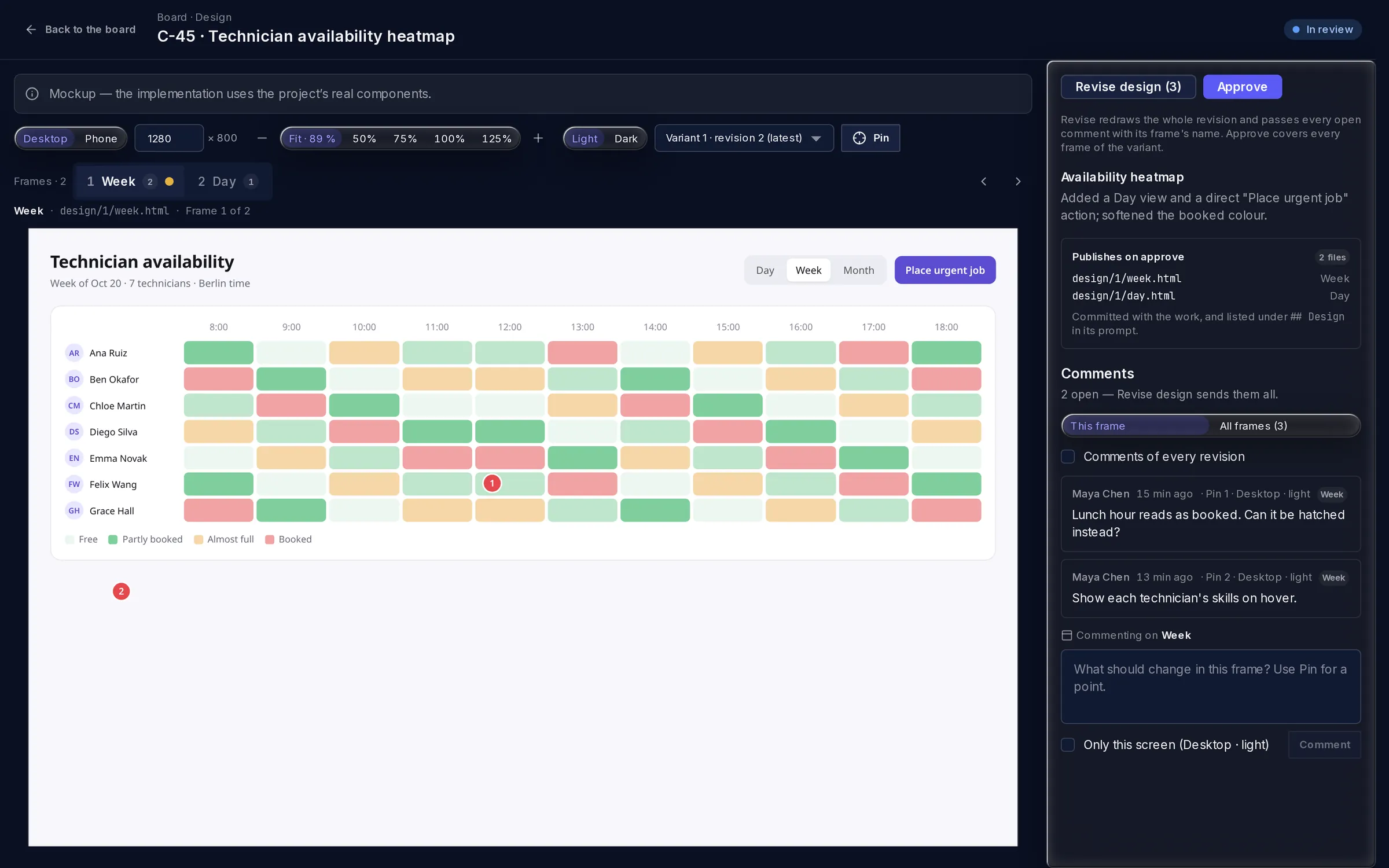
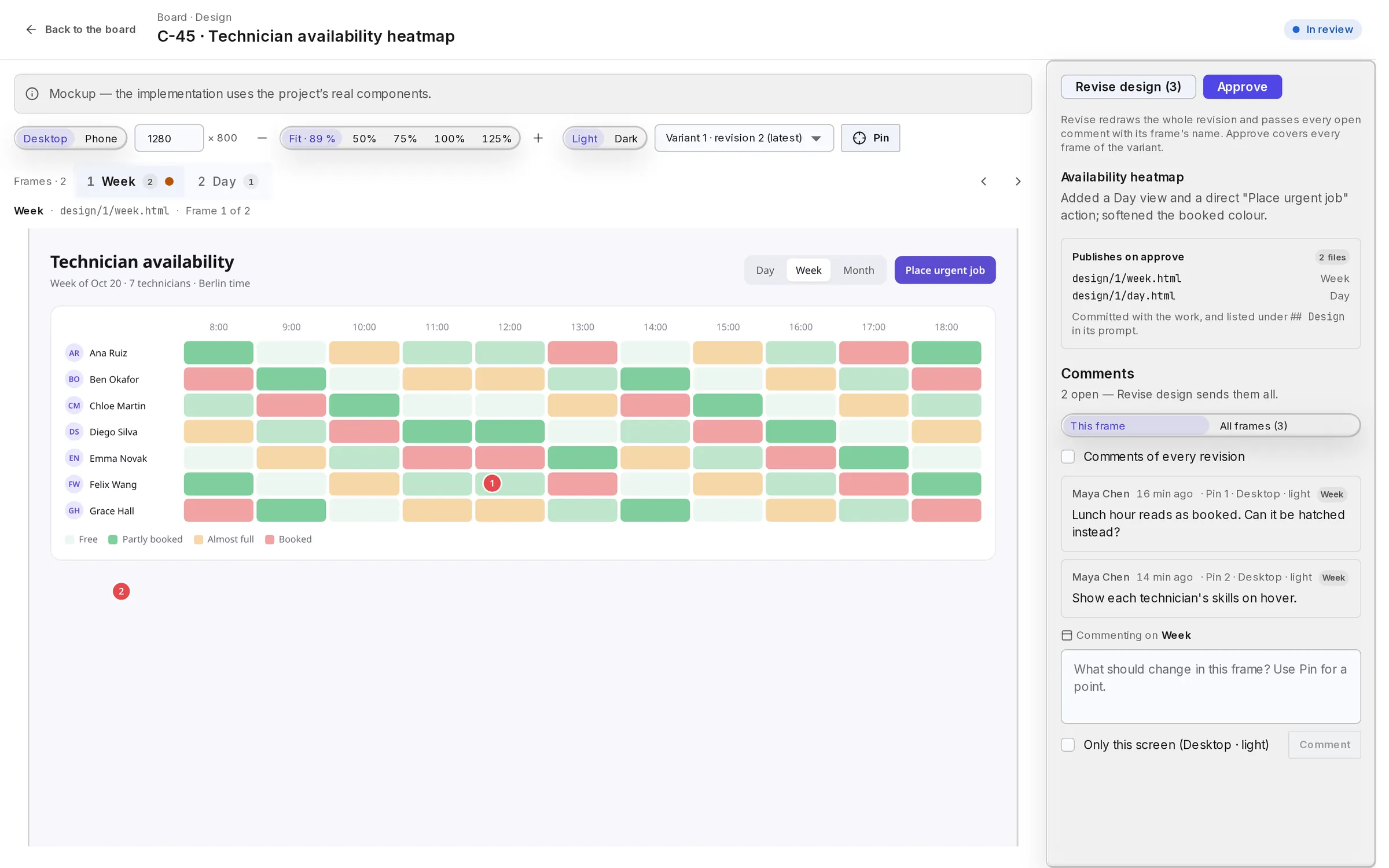
A revision holds one or more named frames, shown as tabs: for example a list, a form and an empty state. Switch the viewport (Desktop, Mobile or your own presets), the light or dark theme and zoom.
Pin comments
Click the mockup to pin a comment to a place on a frame. Comments belong to the frame and the revision.
Revise
Revise design sends every open comment in one batch and redraws every frame. Earlier revisions stay viewable.
Approve
Approve accepts the variant with all its frames. The others are archived. The approved frames are committed next to the spec, in the card's branch or the docs pull request, and listed in the worker's
## Designsection.
Phone viewer
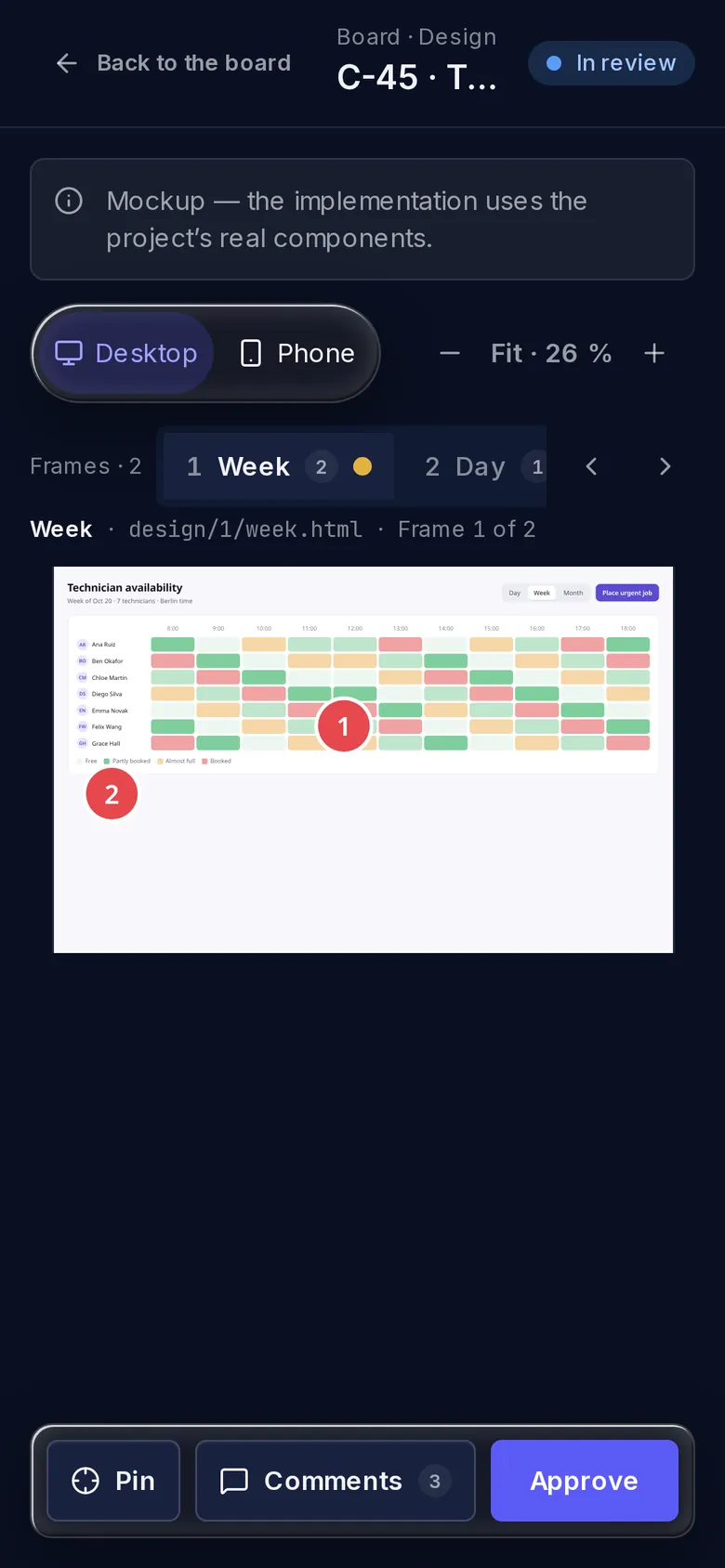
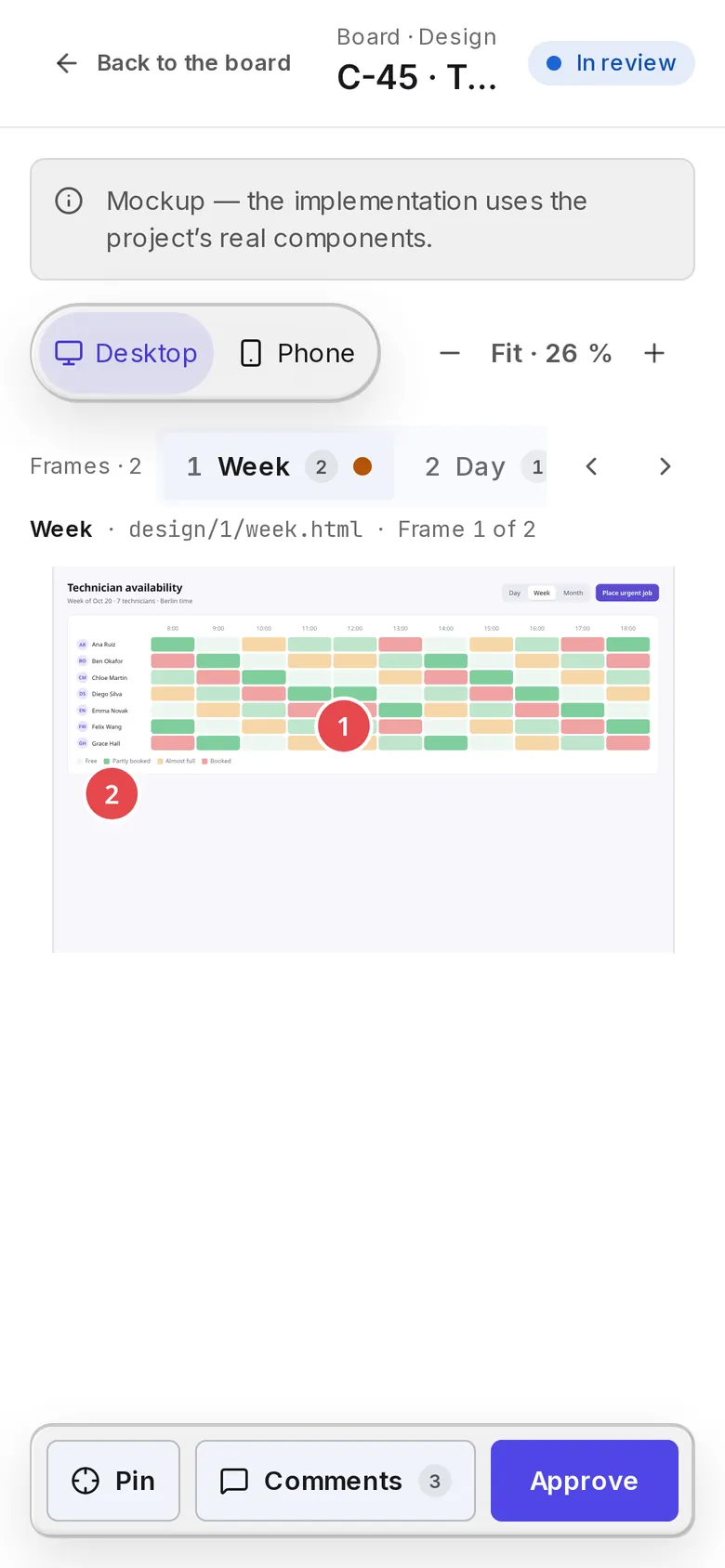
The viewer works on a phone: pins open a bottom sheet for the comment, the toolbar shrinks to presets and zoom, and Approve is reachable.
Design-required stacks
When a stack needs a design, nothing in it runs until the design is approved. See Stacks. A card in the stack can still have its own design on top.
Safety
A mockup is one self-contained HTML document rendered in a sandboxed frame with no network access. External assets come only from a fixed allowlist of CDNs at exact versions.