Feature/Board
A work board where every card has its own worker.
The Board is a project’s own board inside Nautelle. A card is a piece of work numbered C-<n>; Run starts a dedicated Claude Code worker for it, and the card moves from To Do to Completed as its pull request ships.
Five columns, and one rule for every move
Cards are Nautelle’s own, not GitHub issues, and the orchestrator never dispatches them. The same move rules apply in the API and in the browser, so nothing slips through a side door.
- Inbox holds suggestions captured from your own Claude Code sessions, only when capture is on
- A drag never starts a worker; an active round holds a card in In progress
- Automation never moves a card to Completed; only a person does
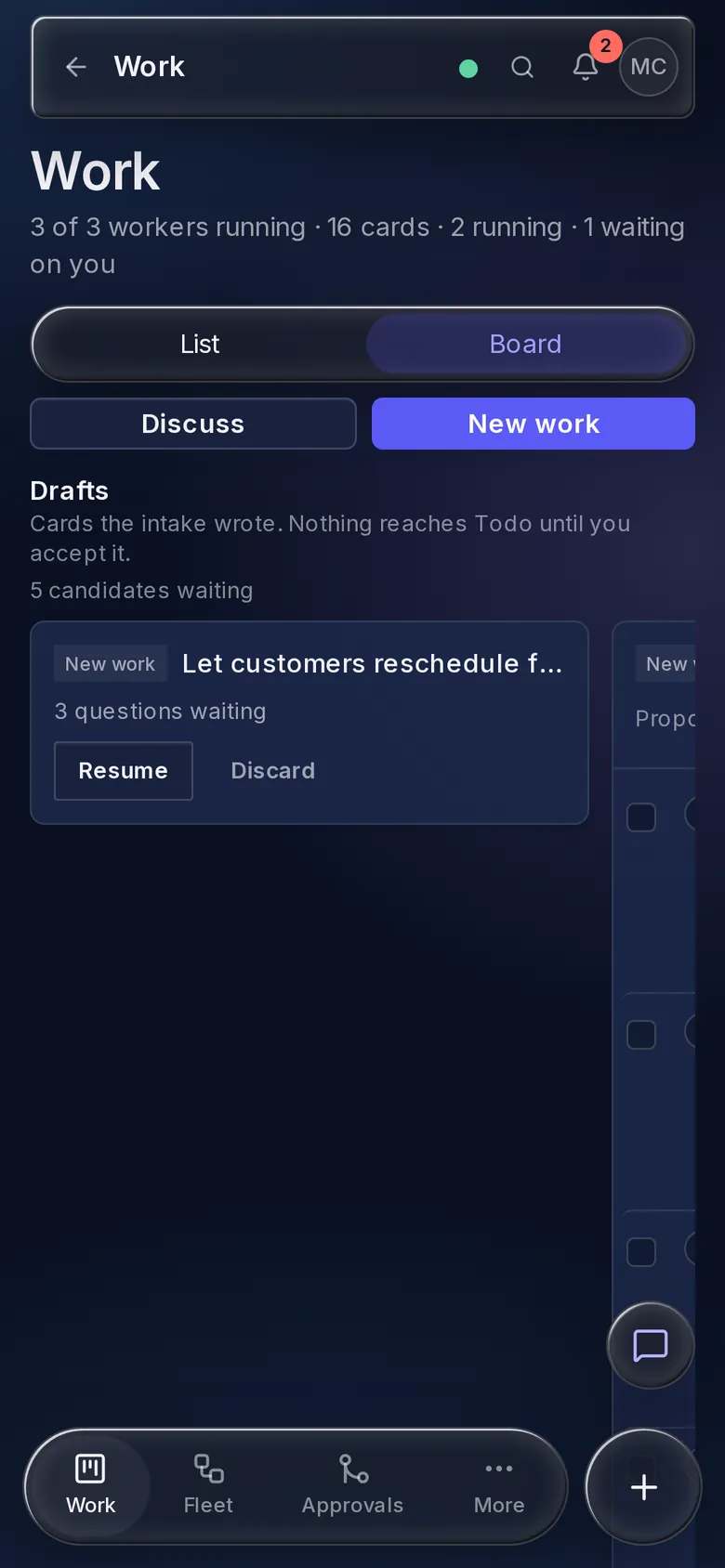
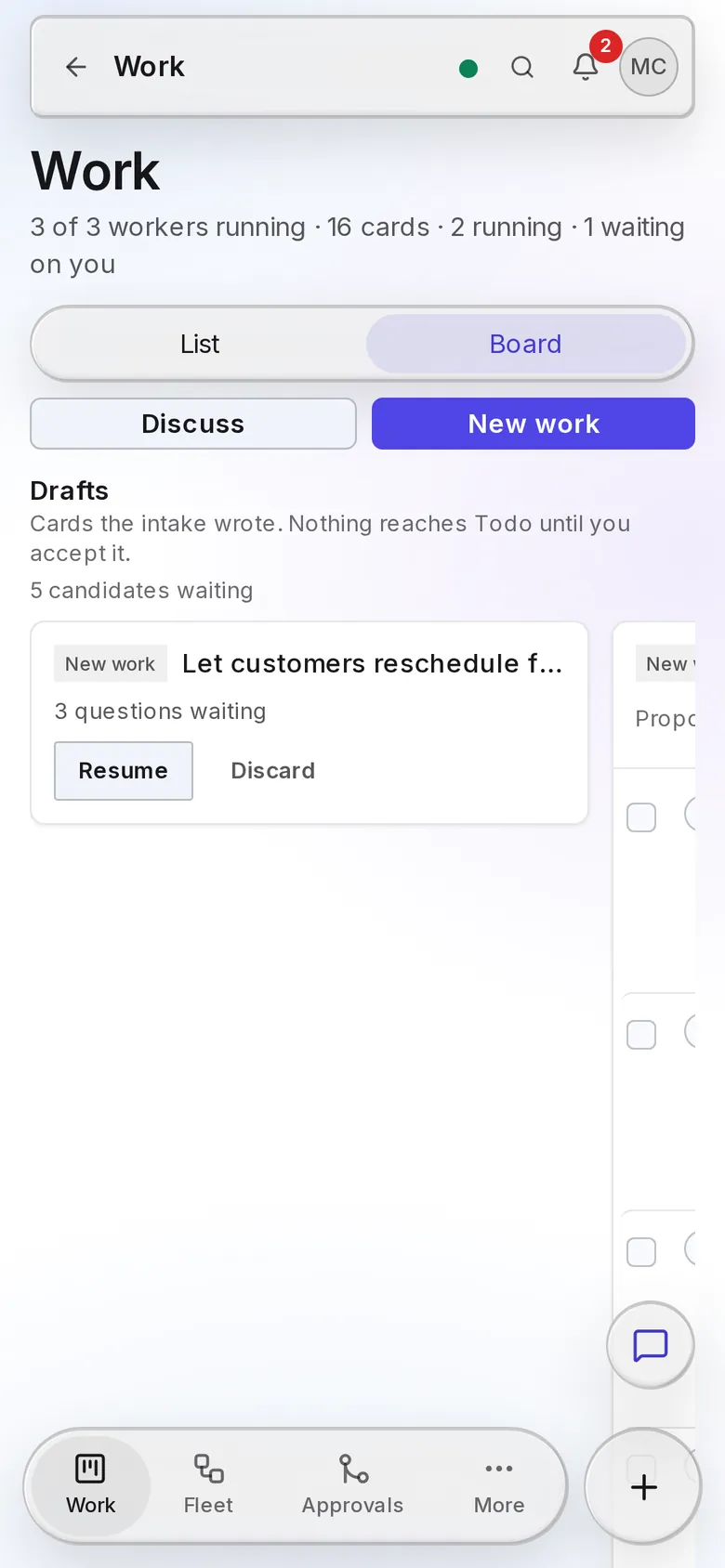
- On a phone, Move opens a column picker instead of a drag
- 1InboxCaptured suggestions, when capture is on
- 2To DoAccepted, not started
- 3In progressA card with an active round
- 4FinishedPR exists; waits for CI, auto-merge or Accept
- 5CompletedAccepted; worker closed, worktree removed
Only a person moves a card to Completed.
Run, feedback, accept
Run gives the card its own git worktree, its own tmux session and an interactive Claude Code session. Each Run or feedback is a card round. When a round ends, the card goes to Finished and its pull request leaves draft.
- Feedback resumes the same session as a new round
- Message a running session, or answer its question, from the card
- Accept can merge the pull request, accept without merging, and delete the branch
Dependencies, Ready and Waiting
A card can depend on other cards. A To Do card shows Ready once every card it depends on is Completed, and Waiting with the open ones listed otherwise.
- Run still works on a waiting card; it only warns you
- Auto-run when ready starts the round when the last dependency is accepted
- It starts exactly once and respects the project’s slots and budget
- Stack stages are ordinary dependencies, so all of this works for stacks
Bulk actions and Discuss mode
Select cards with the checkbox, Cmd or Ctrl+click, or Shift+click for a range. Discuss asks the planning model about the project without making a card.
- Move to Completed, Move to To Do, Mark finished and Delete, each with how many it applies to
- Cards the move rules refuse are skipped, and the toast says why
- Completing in bulk never merges or closes a pull request
- Discuss runs read-only, and Make a card turns a proposal into New work
Fleet work on the same board
Slots from the orchestrator and your own terminal sessions are mirrored onto the Board, so one board shows everything in flight. Mirrored items follow their source: you cannot drag a fleet slot to another column.
- One place for card workers and fleet slots
- The whole Board works on a phone, with Drafts on top
- New work is one tap away, in the web app and in Telegram
Where it sits in the chain
The whole chainEvery step happens on the Board. Run is where it hands a card to its own worker.
- 01Say what you want
- 02Interview
- 03Card, split or stack
- 04Design
- 05Run
- 06CI
- 07Merge
Every screen and setting, in the board guide.
The guide covers each control, limit and rule on this page, with the exact names you will see in the app.