Feature/Approvals
Green is not merged until a person says so.
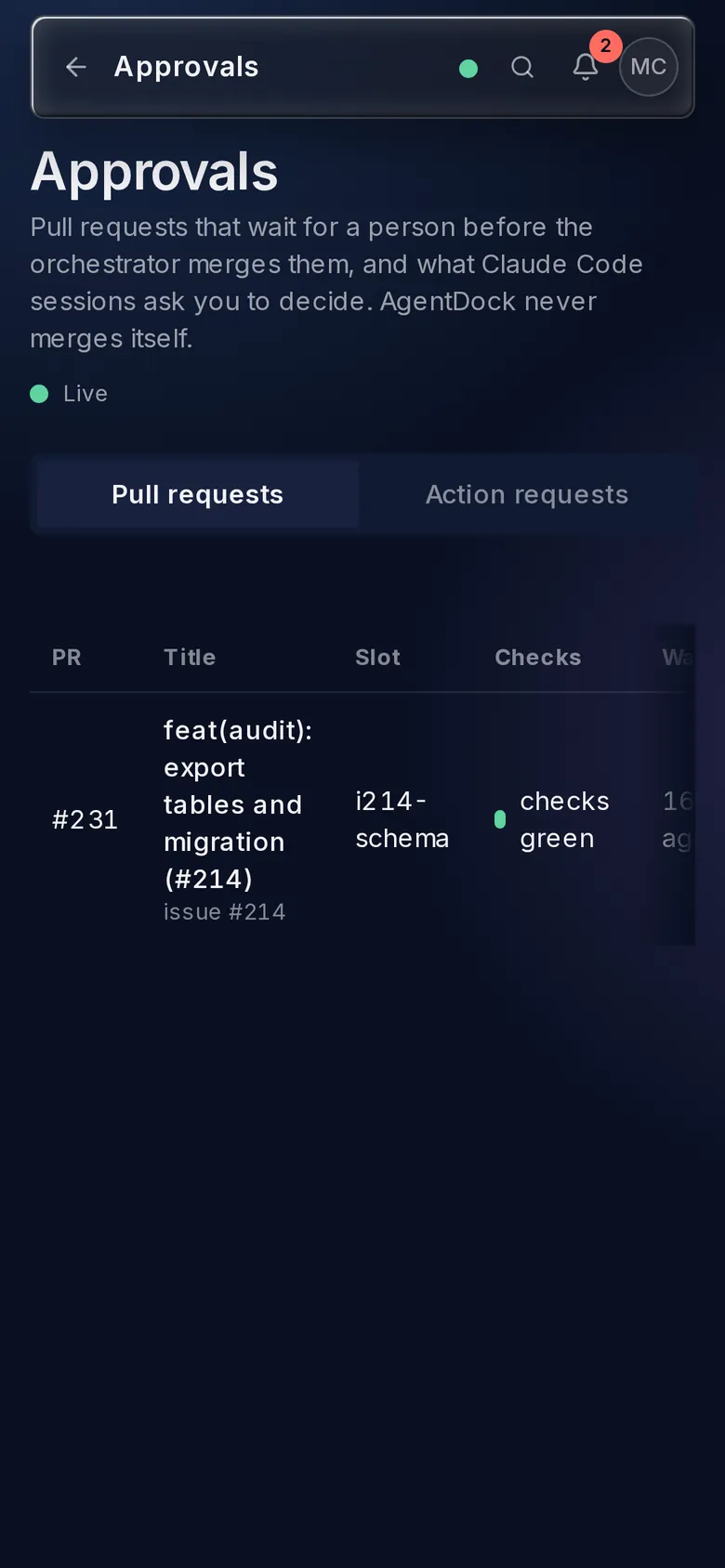
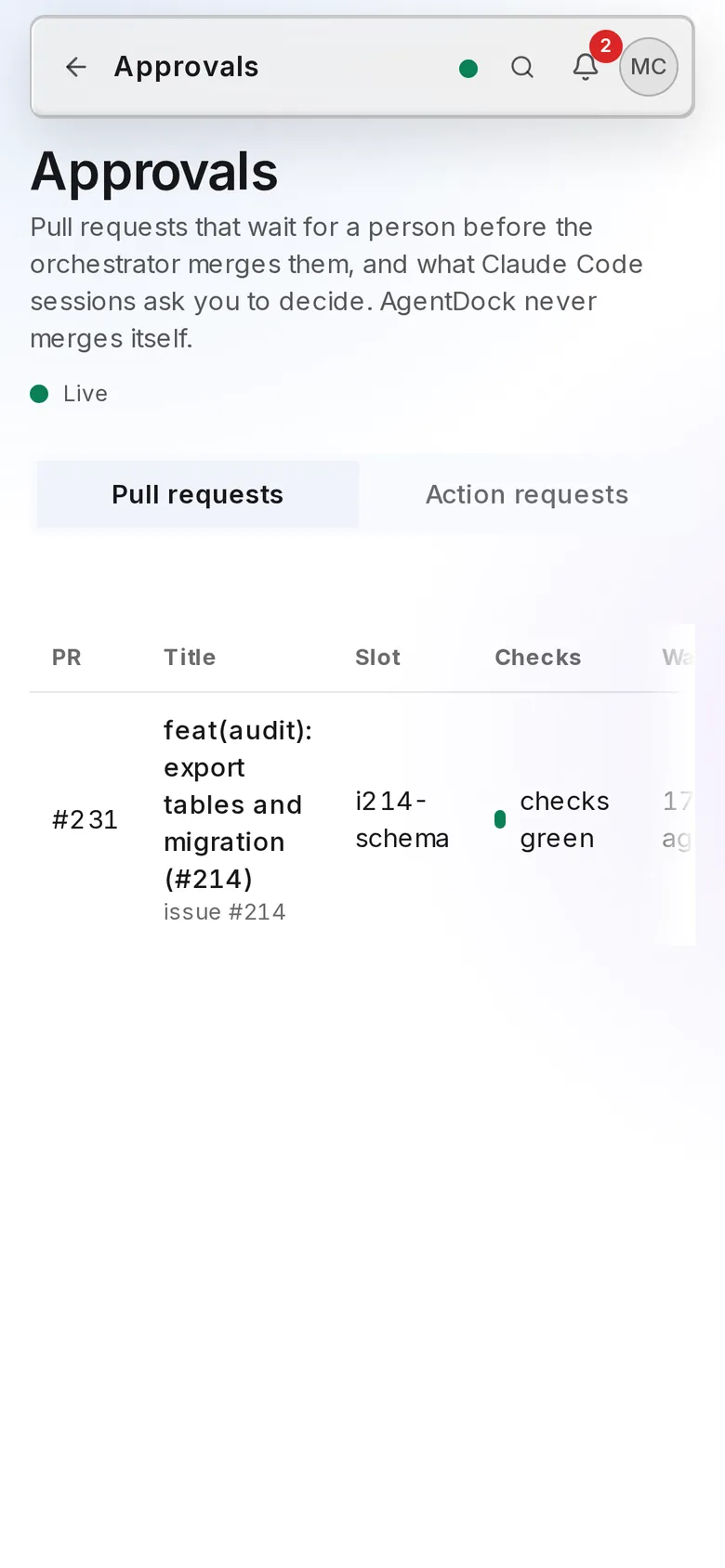
Approvals holds what an agent may not decide alone: green pull requests waiting for a merge decision, and action requests from agent sessions. Decide in the browser or from Telegram. With away mode on, your Claude Code permission prompts come here too.
Merge approval for fleet pull requests
With merge approval on, the orchestrator stops at green and mergeable and waits for a person. Two switches must agree: Merge approval in Nautelle settings, and mergeApproval in the project’s Code Sentinel config. When they disagree, the page says so.
- Each pull request shows its merge summary, head commit, diff and checks
- Request changes sends a note back to the worker through the orchestrator
- Approve in Nautelle takes effect with the matching Code Sentinel release; a GitHub review or the cs:approved label works today
A decision binds to the head commit
An approval records the head commit at the moment you clicked. A new push afterwards voids it, and the row goes back to waiting. You approve the code you saw, not whatever lands later.
- Nautelle never merges and never posts GitHub reviews; it writes a signal file the orchestrator reads
- Every approve, request-changes and voided approval is audited
- From Telegram, every press is checked again from scratch
- Approved at 9f1c2e7Maya Chen · checks green
- New push: a3d40b8after the decision
- voided (new push)back to waiting; the signal reads stale
Action requests from agent sessions
An action request is something an agent session asks a person to allow: a tool call that needs permission, a stop, a handoff, a merge asked for by the assistant, or an issue a session wants queued for the fleet.
- Each shows a summary and a countdown, with Approve and Deny
- A permission request carries a redacted preview of the tool input
- Secrets are masked on the runner before anything leaves the machine
- A session never queues an issue itself; approving its request does
Away mode
Turn away mode on for a runner and the permission prompts of your Claude Code sessions go to the web app and Telegram instead of the local dialog. Approve and the session continues; deny and it receives your note.
- Switch it from the runner’s sheet, with nautelle-runner away on, or with the away tool
- If nobody answers in about five minutes, or the runner is offline, the local dialog appears as usual
- With away mode off, nothing changes
- Switch it off and the Steward sends a digest of what happened
Where it sits in the chain
The whole chainSpans the chain. Approvals can stop any step that needs a person: a tool call mid-run, a handoff, or the merge at the end.
- 01Say what you want
- 02Interview
- 03Card, split or stack
- 04Design
- 05Run
- 06CI
- 07Merge
Every screen and setting, in the approvals guide.
The guide covers each control, limit and rule on this page, with the exact names you will see in the app.